WEBINAR
Unlock the hidden ROI of your live event
Join our live, 15-minute webinar on April 30th at 11:30 AM ET and stop cutting your event’s revenue potential short.






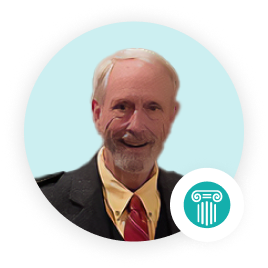
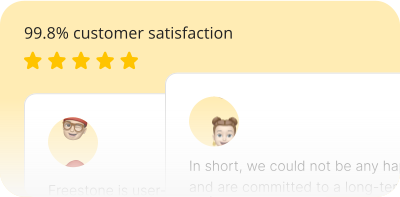
“As an organization that needs to provide customer service to our members, Freestone is user-friendly for staff, provides reports to our CLE Commission, and tracks and projects reliable analytics for our future needs and growth. In short, we could not be any happier and are committed to a long-term relationship with Community Brands and Freestone.”
Terry Burnett, Continuing Legal Education Director
South Carolina Bar
Overall rating


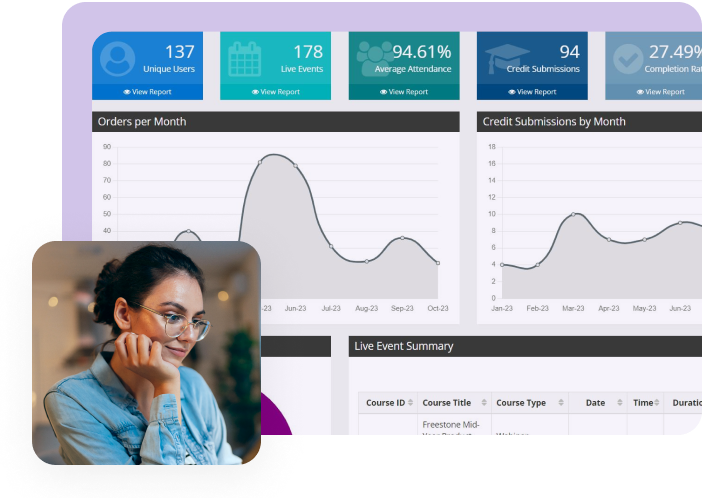
Freestone is the association industry’s most intuitive platform to deliver live webinars, webcasts, and on-demand courses as part of a comprehensive continuing education program. Advance your educational goals with Freestone’s flexible learner interface, robust administration features, interactive learning tools and seamless integration capabilities.
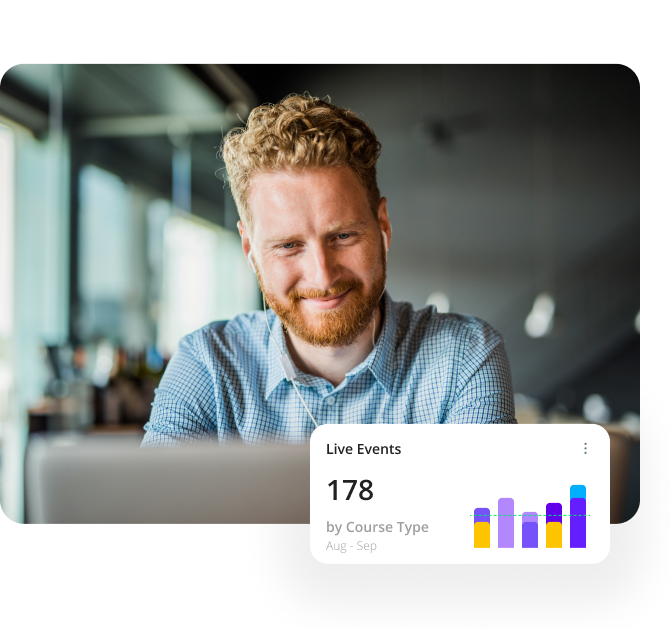

Expand your program’s reach and attract and retain learners with easily accessible content.

Become your industry’s preferred education provider with the variety of mediums learners crave.

Track, organize, store, and deliver continuing education courses in one centralized location.
Use Freestone to simplify course creation, registration, and management. Ensure brand consistency by matching your Freestone learning portal with your website, providing a seamless learner experience.
Easily create and deliver mobile responsive live webinars, webcasts, and on-demand programming with Freestone’s intuitive controls. Extend the reach of your learning content with Freestone’s live event capture, offering premium pre- and post-production services.
Freestone offers advanced technical assistance and proven solutions to ensure your learners and staff always have the support they need.
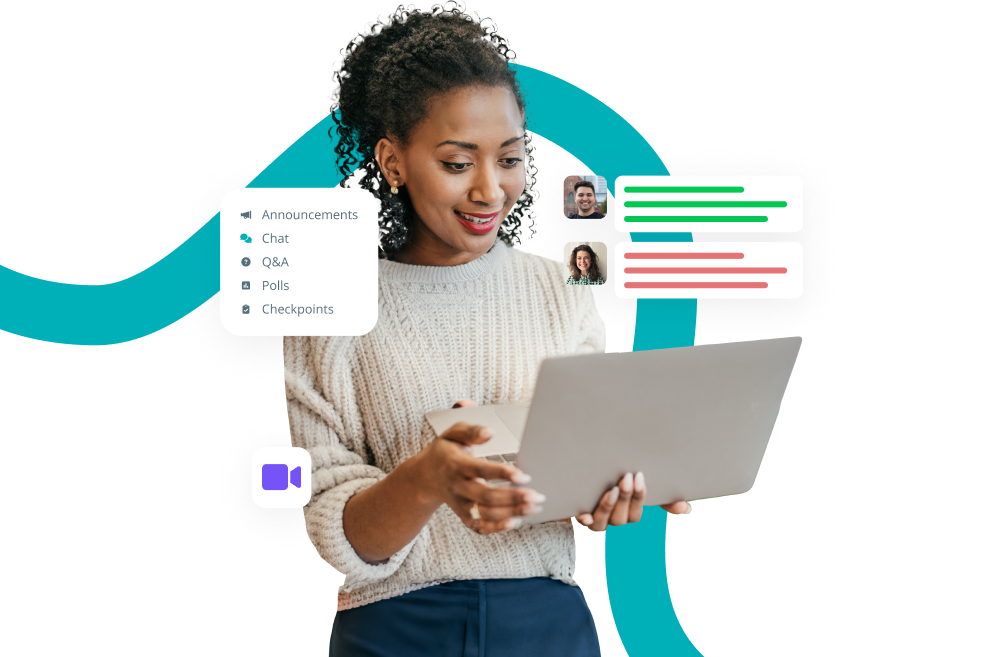
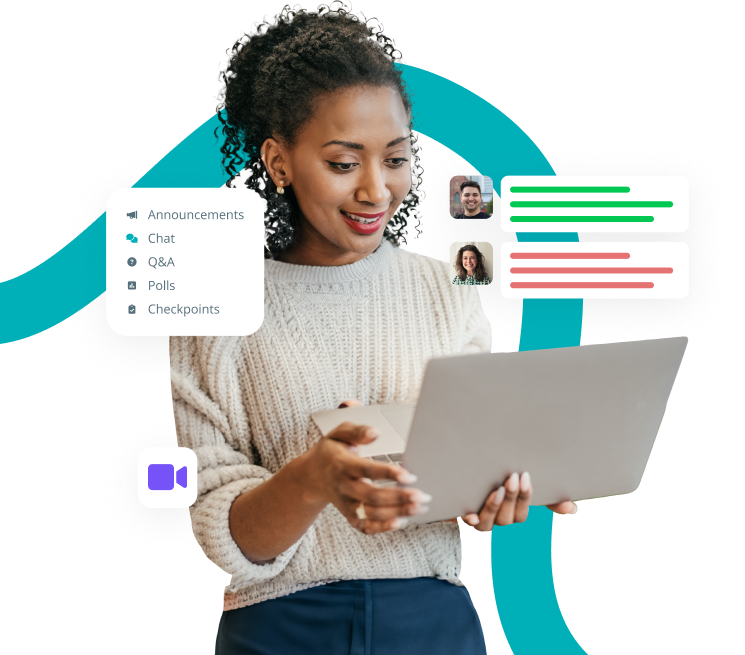
Improve learner engagement and boost retention with Freestone’s robust interactivity features. Leverage Q&A, real-time polling, surveys, group chat, checkpoints, and quizzes to enhance your learning experience.
Trust Freestone LMS to deliver impactful and interactive content to your learners that advances their education and career goals.
Join our live, 15-minute webinar on April 30th at 11:30 AM ET and stop cutting your event’s revenue potential short.
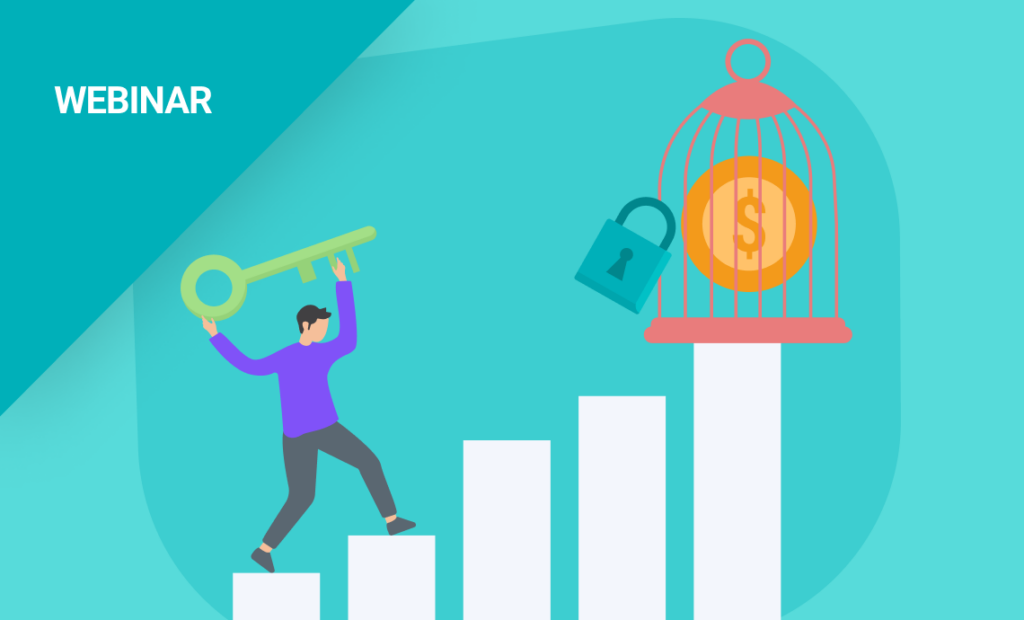
Join us to learn top tips for bringing your online learning strategy to life as efficiently as possible. Plus, best practices for repurposing available content.
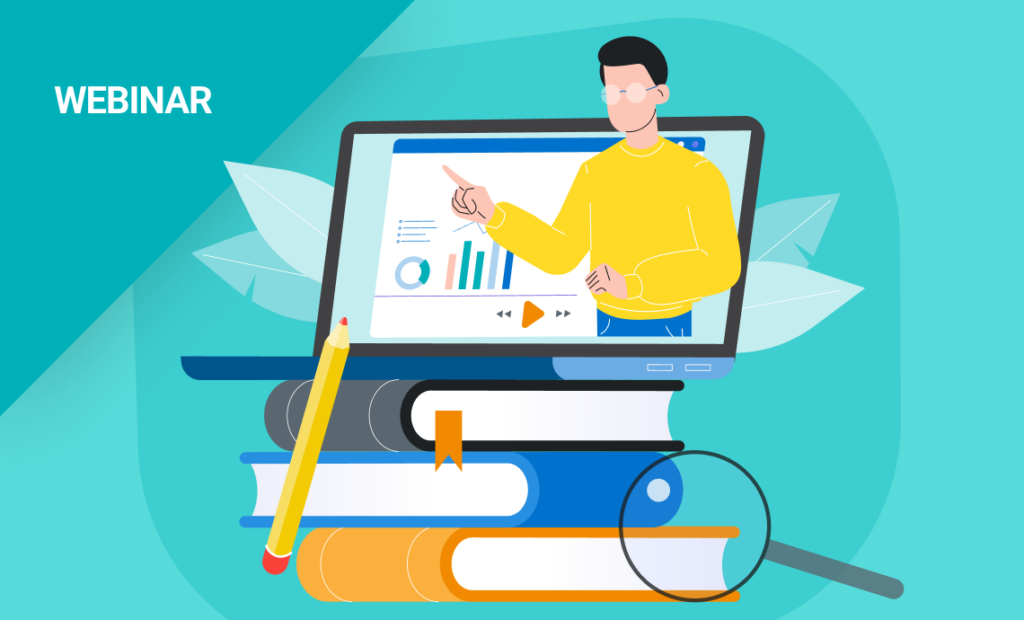
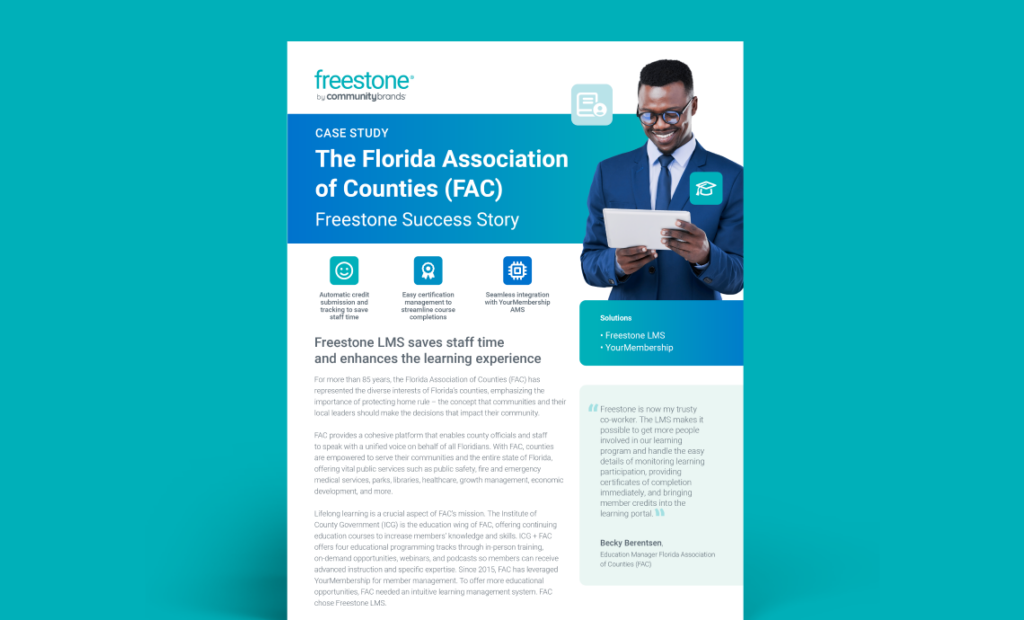
Discover how Freestone LMS saves the Florida Association of Counties (FAC) staff time and enhances the learning experience.